Identify what goes wrong on the return
Look at one recent break, not your whole personality. Did you return later than intended, forget where you stopped, face a task that was still unclear, or discover that something more urgent had arrived? These are different problems. A louder break alarm will not resolve an unanswered question in your project.
Choose the matching adjustment: a return cue for losing track of time, a location note for losing your place, a smaller first action for an unclear task, or a deliberate priority check when circumstances have changed. If you never take the break at all, start with our work-break habit guide instead.
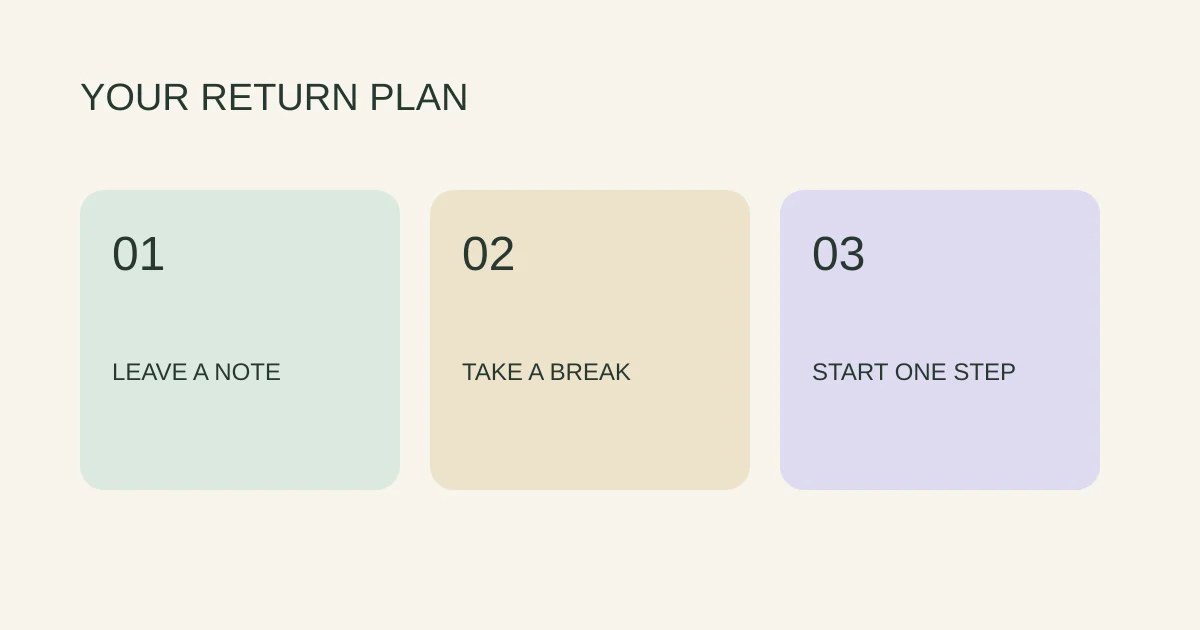
Leave a return card, not a project summary
Before leaving, save the work and record only what would be difficult to reconstruct. Use an approved private note or paper kept appropriately secure. A practical template is:
- Place: the document, sheet or work item and the relevant section.
- Next action: one thing you can actually do when you return.
- Unresolved: the question or dependency that must not be mistaken for a settled decision.
For example: “Weekly report, costs section. Compare the two supplier totals. Delivery fee is still unconfirmed.” This is an original planning example, not a feature Moov generates. Keep confidential details out of personal apps that your workplace has not approved, and lock your screen when stepping away.
What the research does and does not show
Leroy and Glomb’s research on interrupted tasks examined how thoughts about unfinished work can interfere with the new task that interrupts it. Across four studies, their brief “ready-to-resume” planning intervention reduced this attention residue and protected performance on the interrupting task.
That is not evidence that writing this article’s template makes you restart faster after a movement break. The University of Washington’s account explicitly says the studies did not test performance on the original task after returning. Treat the return card as a practical experiment informed by task-transition research, not a clinically validated routine or a guaranteed productivity improvement.
Resume in a deliberate order
When you return, open the saved location and read your note before deciding what to do next. If your role requires checking urgent messages first, do that check deliberately rather than pretending every inbox can wait. Then decide whether the original next step still matters.
- Still relevant? Start the saved action.
- Blocked? Name the missing input and choose an available task rather than repeatedly rereading the same page.
- Priority changed? Update the note and switch intentionally.
For writing, the first action might be comparing two headings, not finishing the whole draft. For spreadsheets, it might be checking one formula. Coding has additional state to preserve; use our programmer break guide for debugging-specific examples.
Do not turn the break into more preparation
If writing the return note becomes a long planning session, shorten it. You do not need to reorganize every window, clear the inbox or finish a task before you are allowed to pause. Choose a safe stopping point appropriate to your duties; time-critical work may need coverage or a handoff.
The UK HSE’s display-screen guidance recommends short, frequent breaks or activity changes that allow movement or a change of posture. A planning note is not that physical change. If you need ideas for the pause itself, our screen-free break menu covers that separate decision. Keep normal meal and rest needs, too.
Test whether the adjustment actually helps
For a few ordinary work sessions, record one short observation: “could not find document,” “next step unclear,” “new urgent request,” or “returned and started.” Change the part that failed. A folder link helps with finding work; it cannot resolve an unclear assignment or an unrealistic workload.
A movement reminder and a return plan have different jobs. Moov can cue a standing movement break, but it does not record your task context or decide your priorities. Use your existing work notes for that. Judge the experiment by whether you can identify and begin the appropriate next action, not whether every break ends at an exact second.
Make room for a movement break
Moov offers configurable break intervals, manual pause/resume and six guided standing movements on Apple Silicon Macs running macOS 11.0 or later. First-run practice requires a camera-checked repetition. It is a movement reminder, not an ergonomic assessment or a treatment for symptoms.
Two free guest breaks, then sign in and verify your email for a seven-day trial. No card required. A paid plan is needed afterward. Read the setup and camera details before trying it.