Mac workflows
DeskRest vs Moov: your own break routine or a movement to follow?
Compare DeskRest and Moov for Mac: edited break instructions and two schedules versus guided standing movements. Check first-run needs before choosing.
Read the guideThe Moov blog
Practical guides for your Mac workday.
Find your rhythm, understand your options, and make a small break part of your day.
Mac workflows
Compare DeskRest and Moov for Mac: edited break instructions and two schedules versus guided standing movements. Check first-run needs before choosing.
Read the guide
Workday setup
Learn how to check office chair seat depth, adjust a seat slider and compare usable depth before buying. Find out when the chair itself is the wrong size.
Read the guide
Mac workflows
Does your Mac break timer pause, reset or only hide its alert after sleep? Compare the countdown before and after lock, display sleep or closing the lid.
Read the guide
Workday setup
If your desk feels too low, check knee clearance and keyboard height separately. Learn what to raise, what to leave alone, and when to skip desk risers.
Read the guide
Mac workflows
Compare BreakTimer and Stretchly for Mac: simple scheduling versus separate mini and long breaks, current install routes, and an everyday test.
Read the guide
Workday setup
Compare a standing desk converter with a full sit-stand desk. Check seated and standing keyboard height, lift clearance and usable space before you buy.
Read the guide
Workday setup
Decide whether your MacBook needs a riser or an external monitor. Test readability and screen space, measure desk depth, and check the full cost before buying.
Read the guide
Mac workflows
Compare Intermission and Moov for Mac. Choose between configurable eyes-off-screen reminders and guided standing movements, then test the fit before buying.
Read the guide
Mac workday
Evaluate Mac break reminder keyboard shortcuts for starting, snoozing and ending breaks. Check global hotkeys, focus, conflicts and a reliable fallback.
Read the guide
Workday setup
If chair armrests stop you reaching your desk, check their height, width and clearance before removing parts. Use a fit-first checklist for your workstation.
Read the guide
Mac workday
Need a Mac break reminder without reliable internet? Check first-run setup, activation, downloaded content and restart behavior before relying on it offline.
Read the guide
Workday habits
Plan a walking meeting that fits the discussion and everyone involved. Check consent, accessibility, privacy, weather and how you will capture decisions.
Read the guide
Workday setup
Set up a MacBook at a kitchen or dining table: check chair height, input devices and screen position, then pack it away without losing the setup.
Read the guide
Workday habits
Struggling to restart after a short work break? Identify the sticking point, leave a useful return note, and resume without rebuilding your entire task list.
Read the guide
Mac workday
Keep Mac break reminders out of screen shares and presentations. Test notifications and overlays separately, pause when needed, and remember to resume.
Read the guide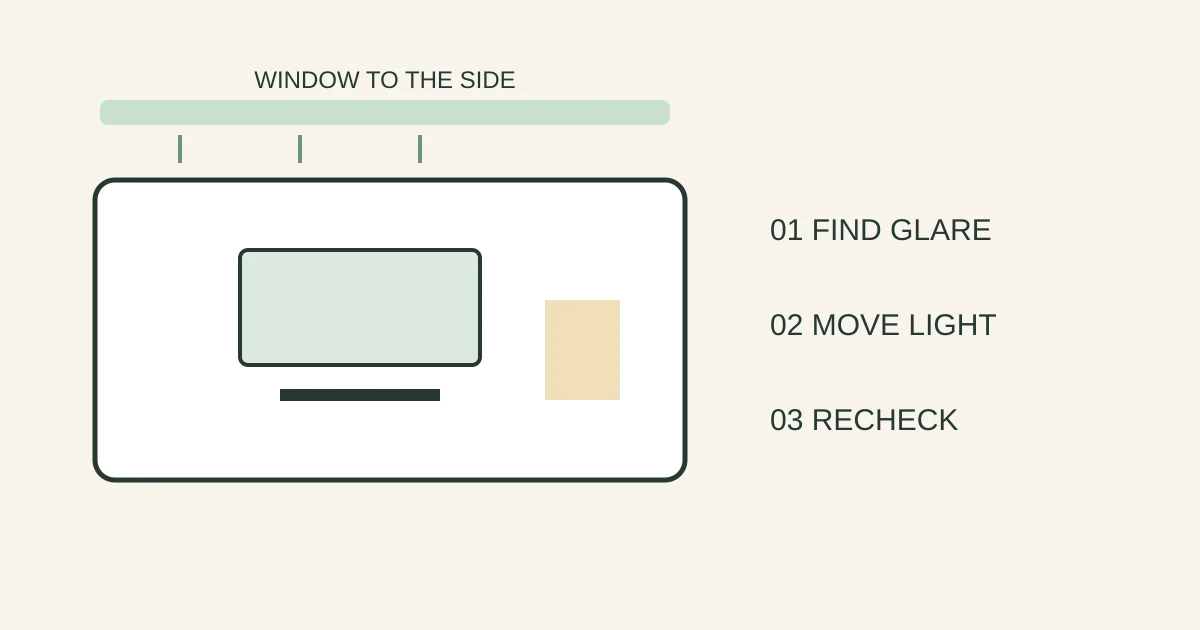
Workday setup
Find the source of home office screen glare. Adjust window position, task lighting and display settings before buying accessories or leaning around reflections.
Read the guide
Mac workday
Check a Mac break reminder’s CPU and energy use during countdowns and breaks. Compare like-for-like sessions before blaming the app or switching tools.
Read the guide
Mac workday
Decide whether a standing-desk mat fits your workspace. Check the floor, footwear, chair clearance and movement habits before buying more cushioning.
Read the guide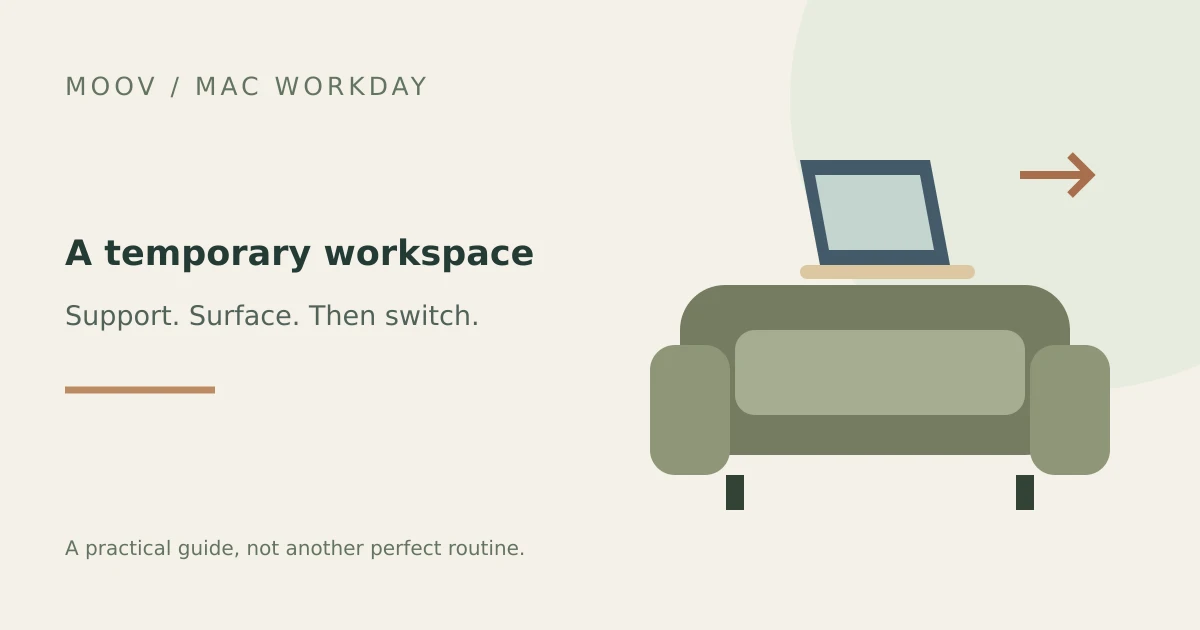
Desk setup
A practical plan for a temporary couch workspace, with support, heat-safety and movement checks before the session becomes the whole day.
Read the guide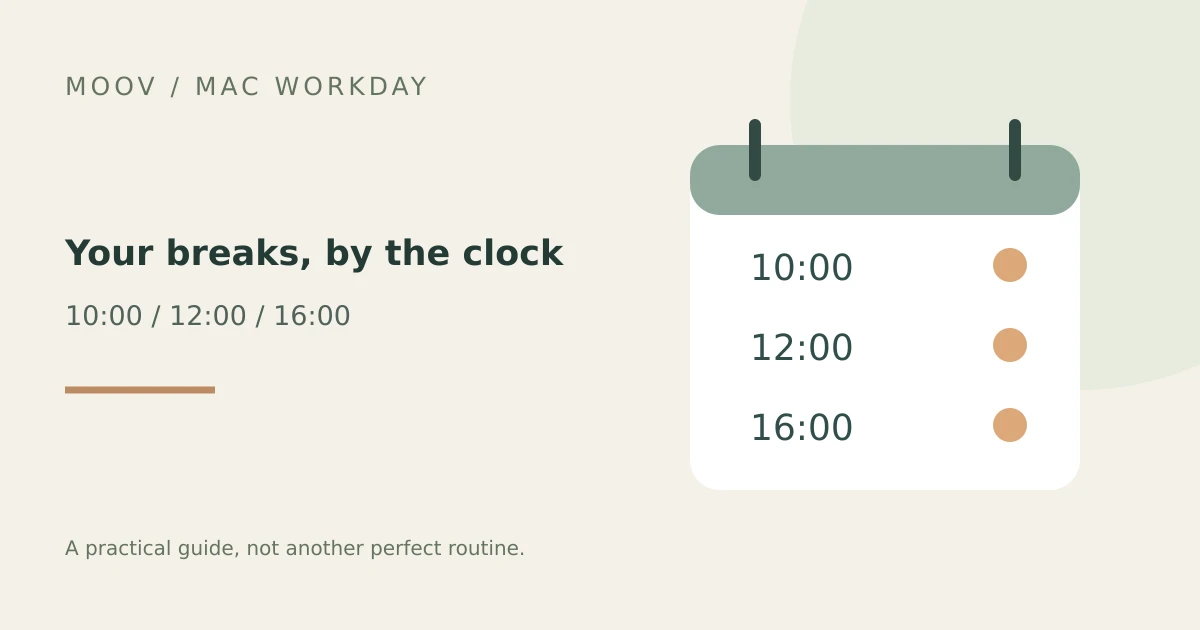
Mac workday
Need breaks at 10 a.m., noon and 4 p.m.? Build a weekday Calendar schedule and understand when a dedicated timer adds something useful.
Read the guide
Desk setup
Find out when a desk footrest helps, how to set its height, and what to fix first when your chair fits the keyboard but your feet cannot reach the floor.
Read the guide
Mac workday
A break timer can mistake reading for time away. Learn how idle detection works, what to check in Time Out and Stretchly, and how to test your settings.
Read the guide
Desk setup
A Canadian buying checklist for comparing fit, refurbishment, returns and the real cost of a chair.
Read the guide
Desk setup
A daily reset checklist for MacBook users moving between shared desks, coworking spaces and home.
Read the guide
Mac workday
Decide whether a wrist cue, a custom watch timer or an on-screen movement break fits your desk routine.
Read the guide
Mac workday
A developer-specific checklist for reminder visibility, safe stopping points, shared sessions and a clear return to debugging.
Read the guide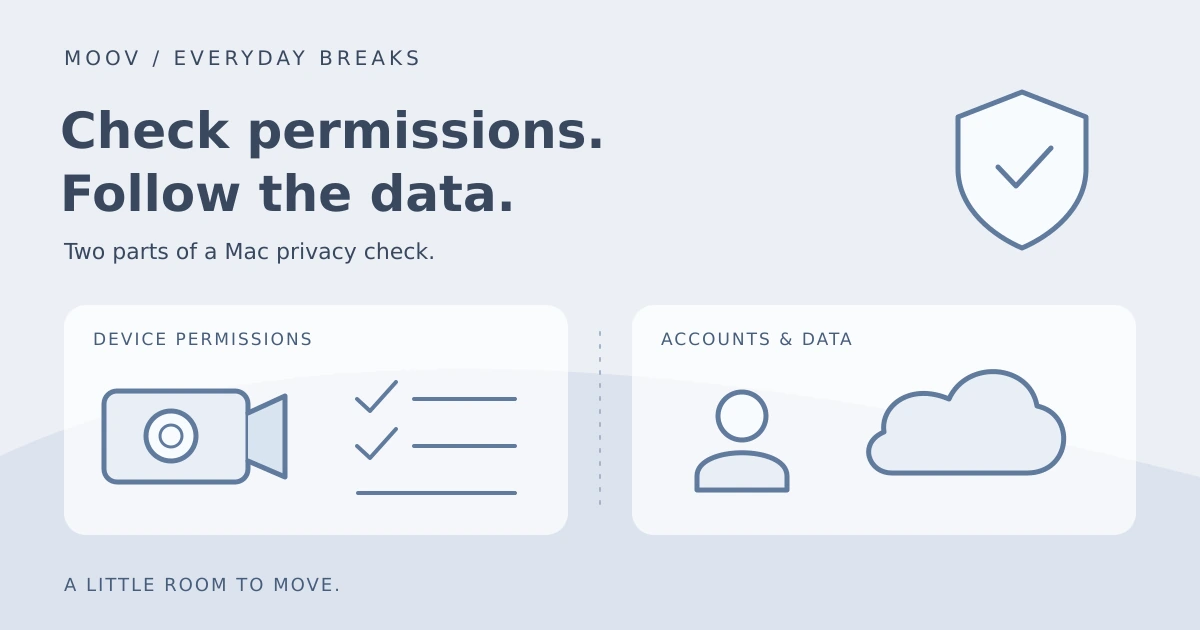
Mac break reminders
A practical privacy checklist for choosing a Mac break app, including camera-free requirements, local processing, account services and first-run limits.
Read the guide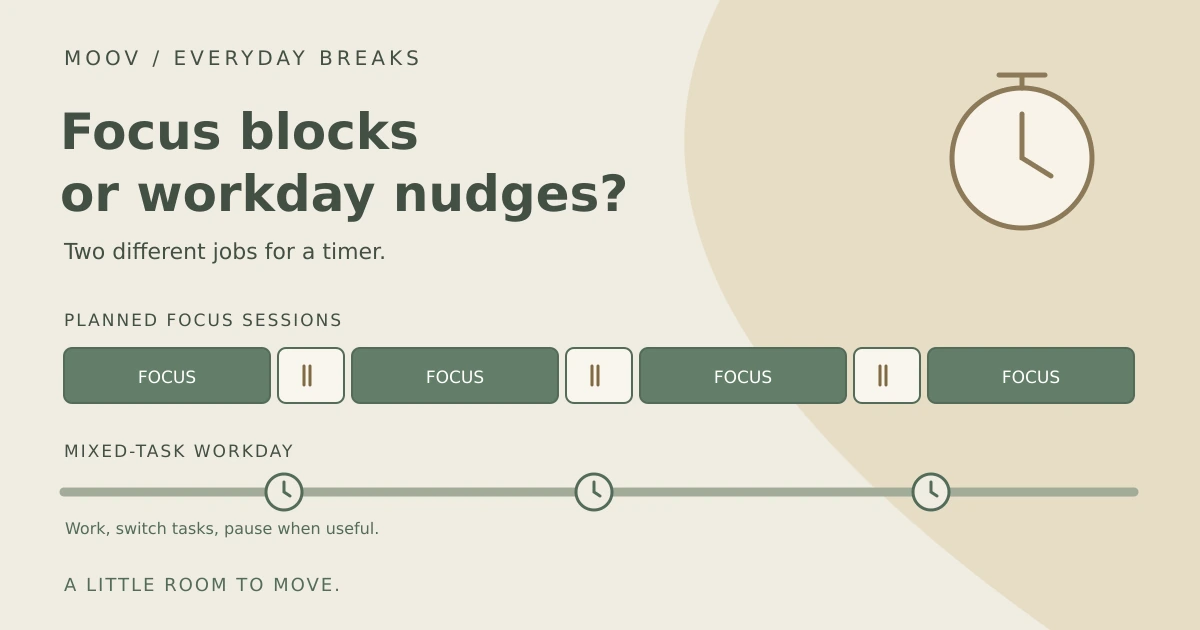
Mac break reminders
A practical way to choose between focus cycles and recurring breaks, with a sample timer conflict, a manual handoff plan and a work-session checklist.
Read the guide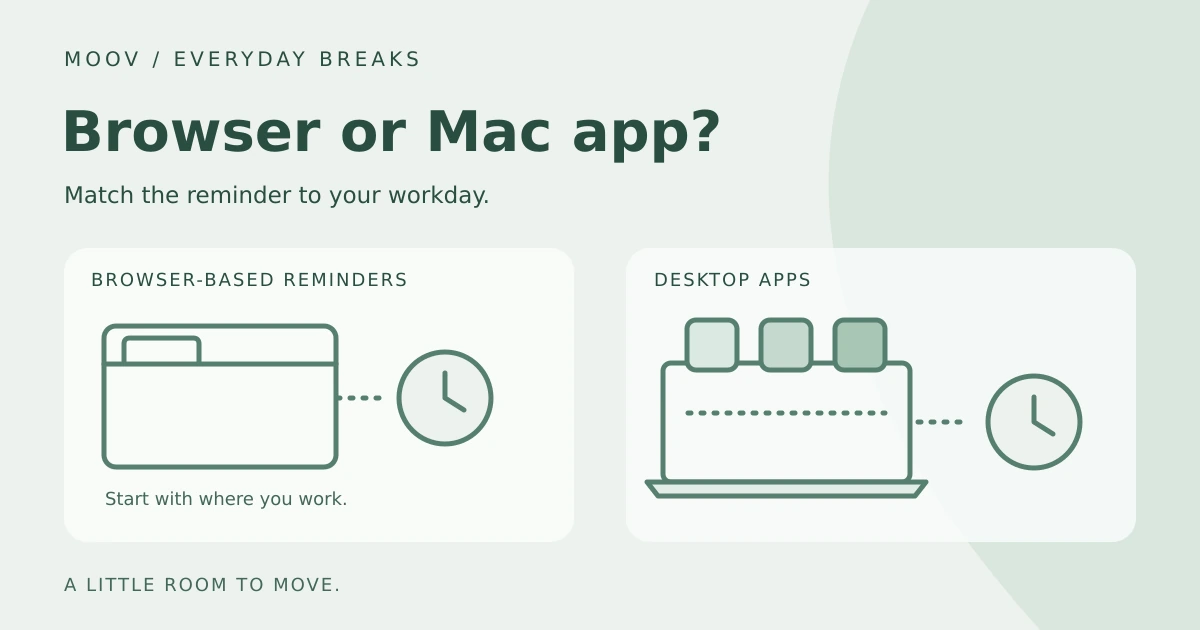
Mac break reminders
A practical comparison of browser timers, extensions and Mac apps, with a checklist for quitting, restarting, permissions and movement guidance.
Read the guide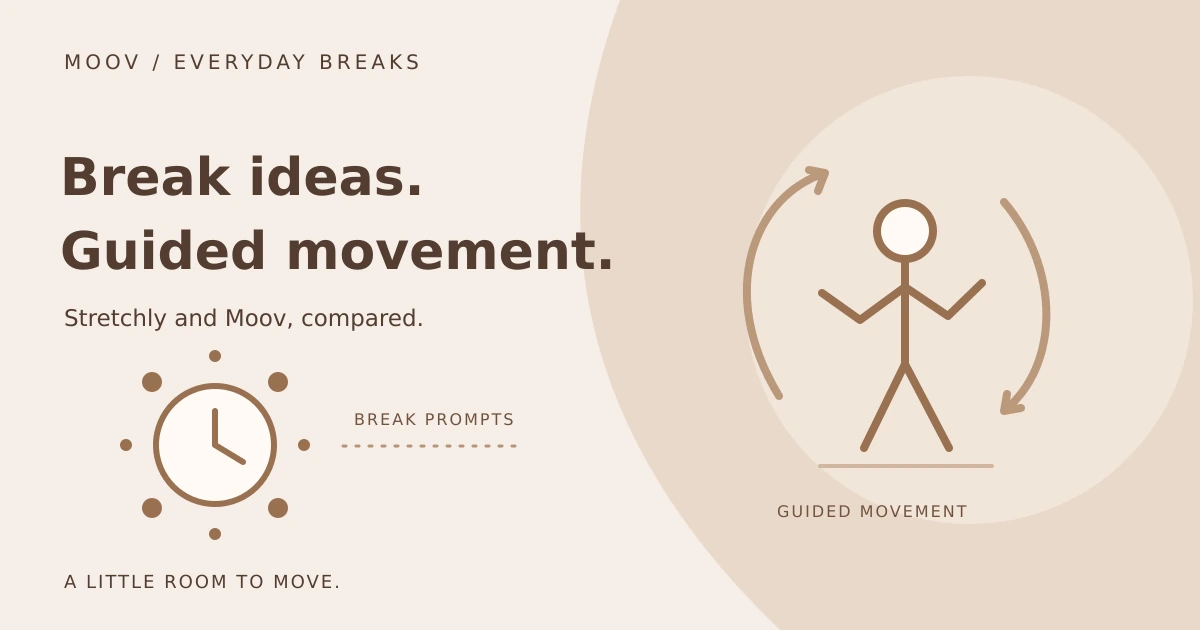
Mac break reminders
A focused comparison of break ideas and guided movement, with compatibility checks and a practical plan for deciding whether to switch.
Read the guide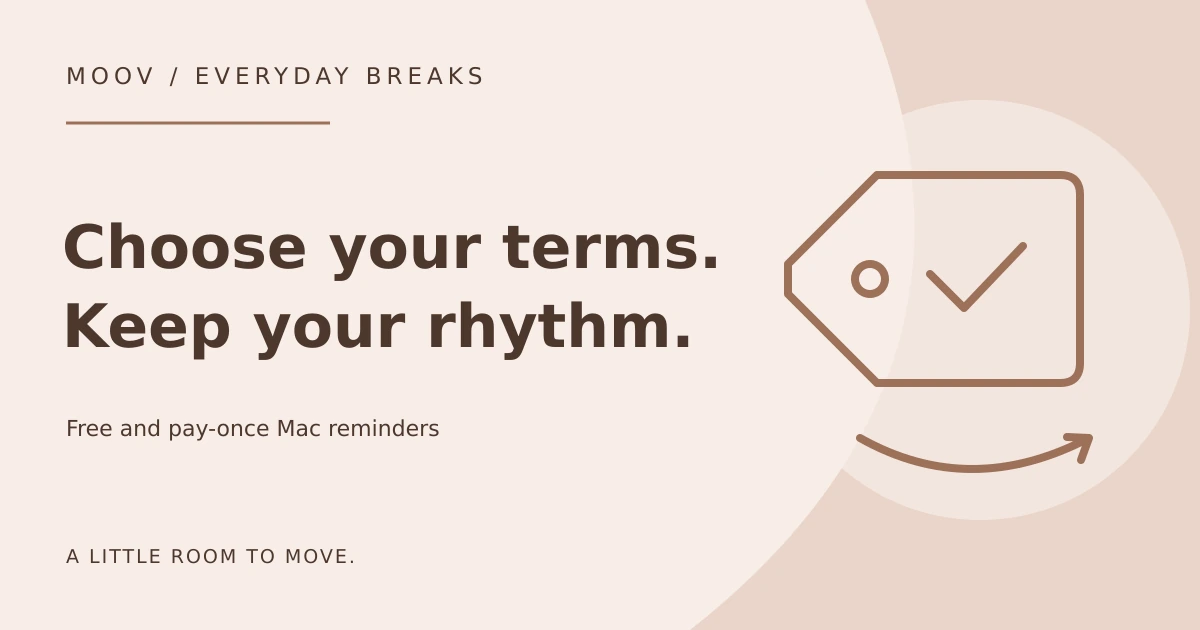
Mac break reminders
A practical guide to free and one-time-purchase break reminders, with a license checklist and a way to decide what is worth paying for.
Read the guide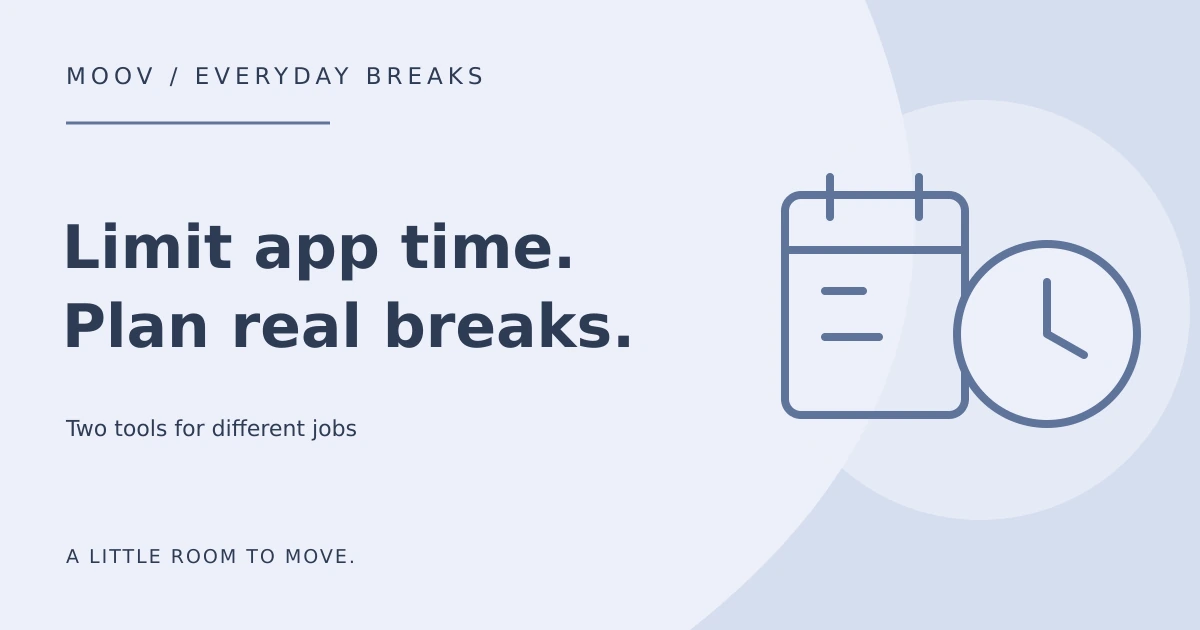
Mac break reminders
A practical distinction between daily app budgets, scheduled downtime and recurring workday breaks, with examples and a simple choice worksheet.
Read the guide
Mac workday
A per-display acceptance checklist for extended desktops, full-screen Spaces, screen sharing and moving between laptop-only and docked work.
Read the guide
Mac break reminders
A documentation-based comparison of break style, interruption controls, camera requirements and licensing, with a practical way to decide.
Read the guide
Mac workday
A practical way to test reminder intensity, make transitions less vague, and decide whether a Mac movement-break app fits your needs.
Read the guide
Mac workday
A between-match break plan, a full-screen reminder test, and practical ways to avoid turning every pause into another queue.
Read the guide
Mac workday
A practical guide to looking away from screens, with small-room alternatives, evidence limits, and clear reasons to seek eye care.
Read the guide
Desk movement
A timed desk-break sequence with room to change position, stretch gently, and finish without rushing back to the keyboard.
Read the guide
Mac workday
A meeting-heavy workday plan that separates what organizers control from what participants can ask for, with realistic transitions and backup choices.
Read the guide
Desk movement
Three optional chest and upper-back movements, with a careful setup, simple adaptations, and clear limits on stretching through discomfort.
Read the guide
Desk movement
A small upper-body routine for computer work, with easy starting positions and clear reasons to stop rather than push through.
Read the guide
Desk movement
Movement breaks, aerobic activity and strength work serve different purposes. Here is how to make room for each without an all-or-nothing schedule.
Read the guide
Mac workday
Choose a workable break interval, distinguish movement from eye breaks, and adapt an example schedule to your own desk day.
Read the guide
Desk movement
Check keyboard height, mouse reach, wrist alignment and palm supports. Use a short real-task test to find which desk changes are worth keeping.
Read the guide
Desk movement
Gentle lower-leg movement options with clear setup, seated and supported-standing choices, and guidance on when to stop rather than push through.
Read the guide
Mac workday
Work through timer state, app pauses, macOS notifications and Focus. Test one change at a time and keep presentation privacy settings in mind.
Read the guide
Desk setup
A sensible order for setting up your MacBook, plus realistic compromises for a small desk, dining table, or portable workspace.
Read the guide
Workday research
An evidence-aware guide to short work breaks, with clear limits on productivity claims and a practical experiment for your own day.
Read the guide
Desk movement
Adjust screen height, viewing distance and text size together. Includes single-monitor, dual-screen and glasses-friendly checks without rigid posture rules.
Read the guide
Desk movement
Dynamic movement choices for a seated work break, with setup checks, flexible repetitions, and adaptations that respect individual needs.
Read the guide
Mac workday
Practical setup steps for Apple Clock and Reminders, followed by a short test so you know the next alert will work as expected.
Read the guide
Mac workday
A documentation-based comparison of Time Out, Stretchly and Moov, including when keeping Time Out makes sense and what to test before switching.
Read the guide
Desk movement
Practical routes, cues and backup plans for short workday walks, plus what a small laboratory study can and cannot tell you.
Read the guide
Mac workday
A short-break menu you can use immediately, with quieter seated choices, longer-break ideas, and a clear return-to-work cue.
Read the guide
Desk movement
A low-pressure hand and forearm movement guide, with clear limits and a practical plan for stepping away from typing.
Read the guide
Desk movement
Practical ways to make room for movement before, during and after work, including busy-call days and small spaces.
Read the guide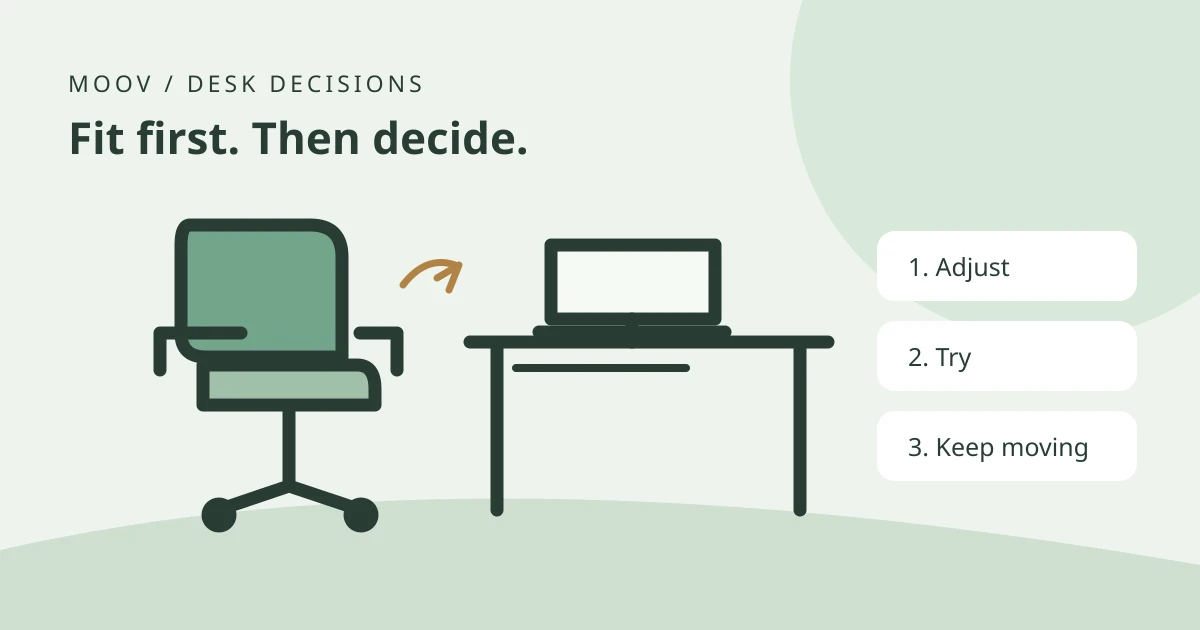
Desk movement
A practical adjust, replace or wait checklist for desk workers, with a laptop setup check and questions to ask before ordering.
Read the guide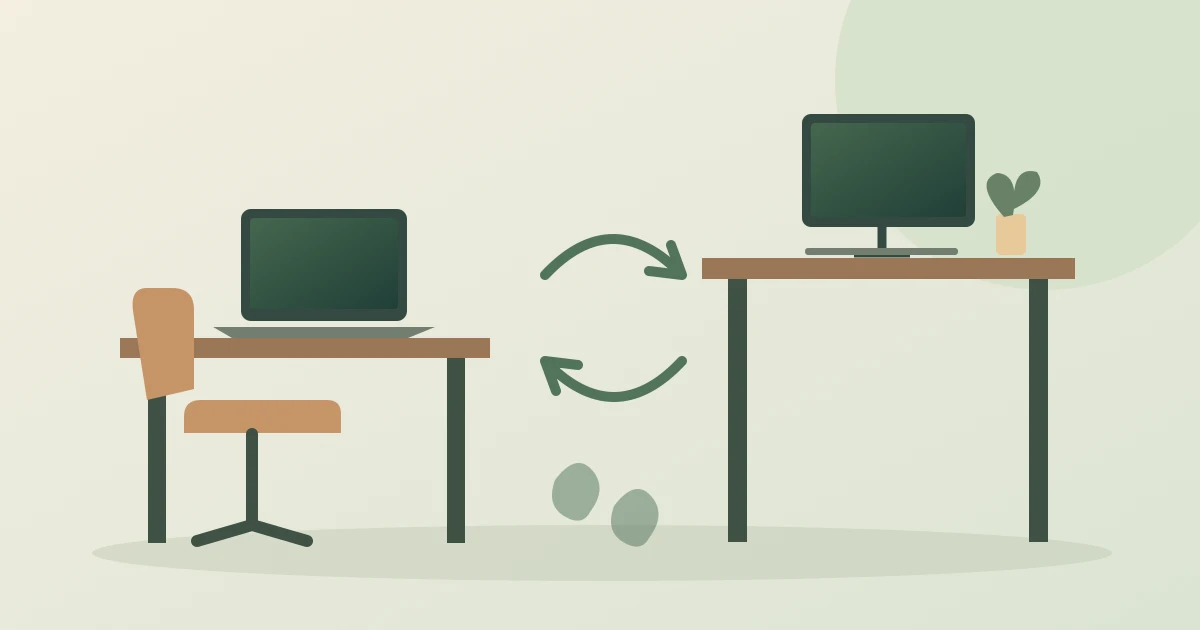
Desk movement
A practical comparison of sitting, standing and movement, with evidence limits and a flexible routine for your computer workday.
Read the guide
Desk movement
Two no-floor stretch options for mild desk-day stiffness, with source instructions, safety boundaries, and a practical movement-break plan.
Read the guide
Desk movement
Three no-floor movement options for a desk day, with seated and standing instructions, source demonstrations, and clear advice on when to stop.
Read the guide
Mac workday
Understand where assessment, hands-on care and stretching fit, what to ask a clinician, and how to follow an agreed movement plan during desk work.
Read the guide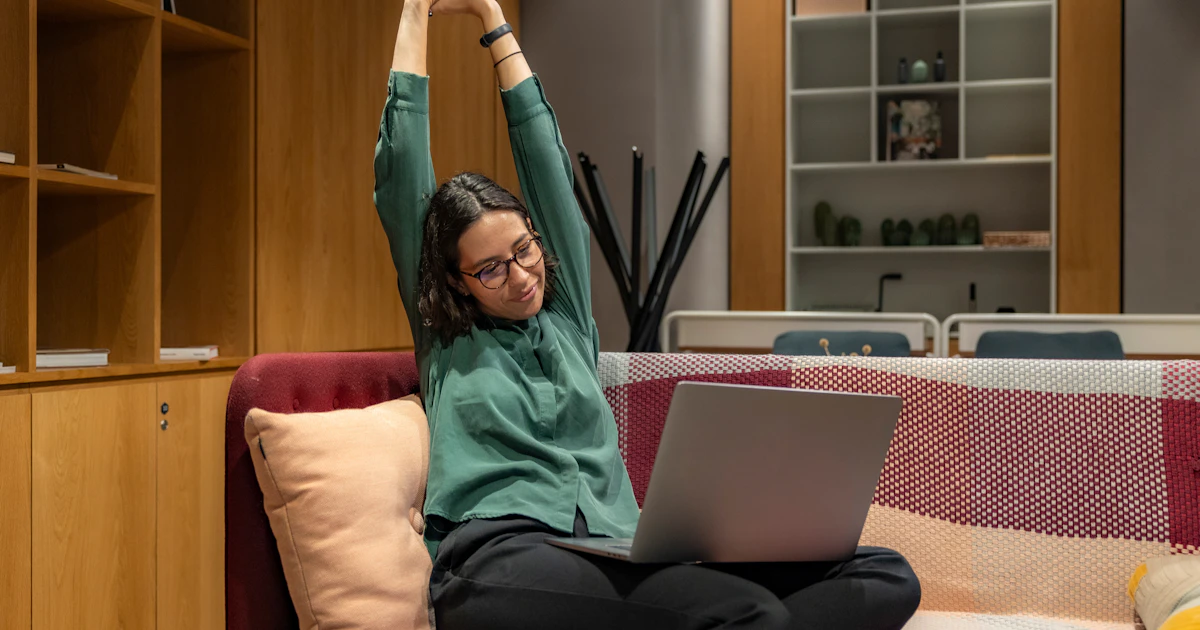
Mac workday
A practical plan for the reminders you miss: choose a cue, make room between meetings, and decide what to do when a break arrives at the wrong time.
Read the guide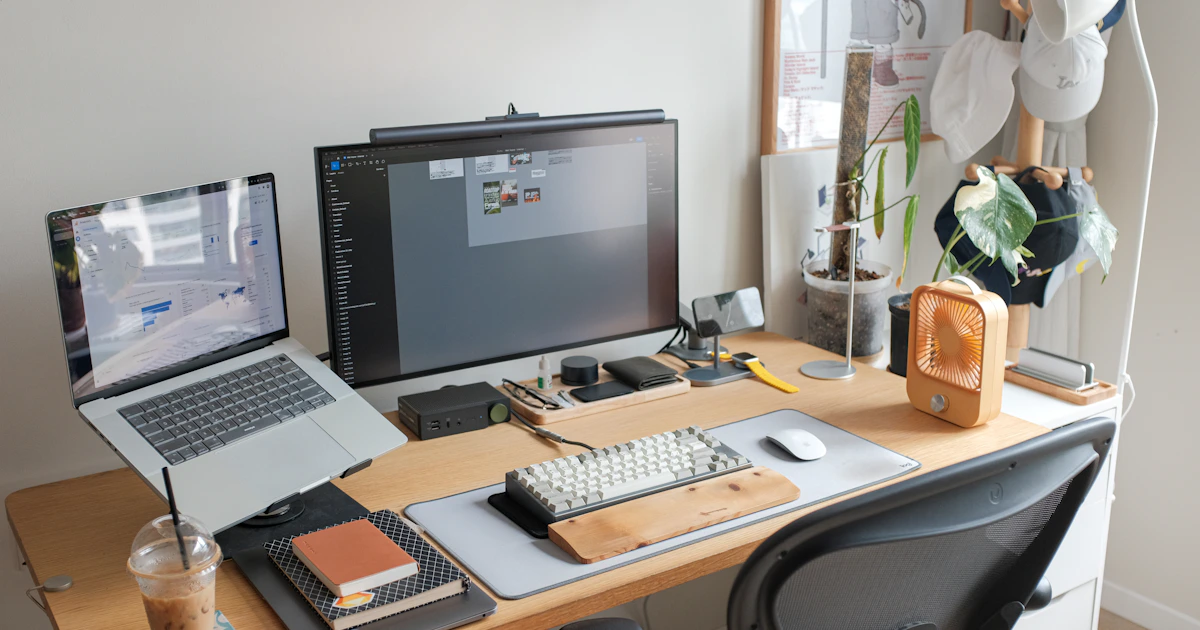
Mac workday
Compare reminder styles, connected-display support, pause controls and camera privacy. A practical checklist for trying an app at your own desk.
Read the guideSix guided movements for your Mac, at the rhythm you choose.
Download for MacTwo free breaks, then sign in for a seven-day trial. No card required.