The short answer
Yes, if a better-fitting chair addresses a problem you cannot fix by adjusting what you already own. Not necessarily, if you are paying mainly for the word “ergonomic.” A higher price is not a personal fit assessment.
The Canadian Centre for Occupational Health and Safety (CCOHS) explains that an ergonomic label does not guarantee a chair will suit an individual: body size, workstation and task all matter. Its guidance also recommends trying a chair during real work before choosing it. Read the CCOHS chair-selection guidance.
Your shopping goal: solve the problem you wrote down, not recreate a premium office photo.
Adjust, replace or wait?
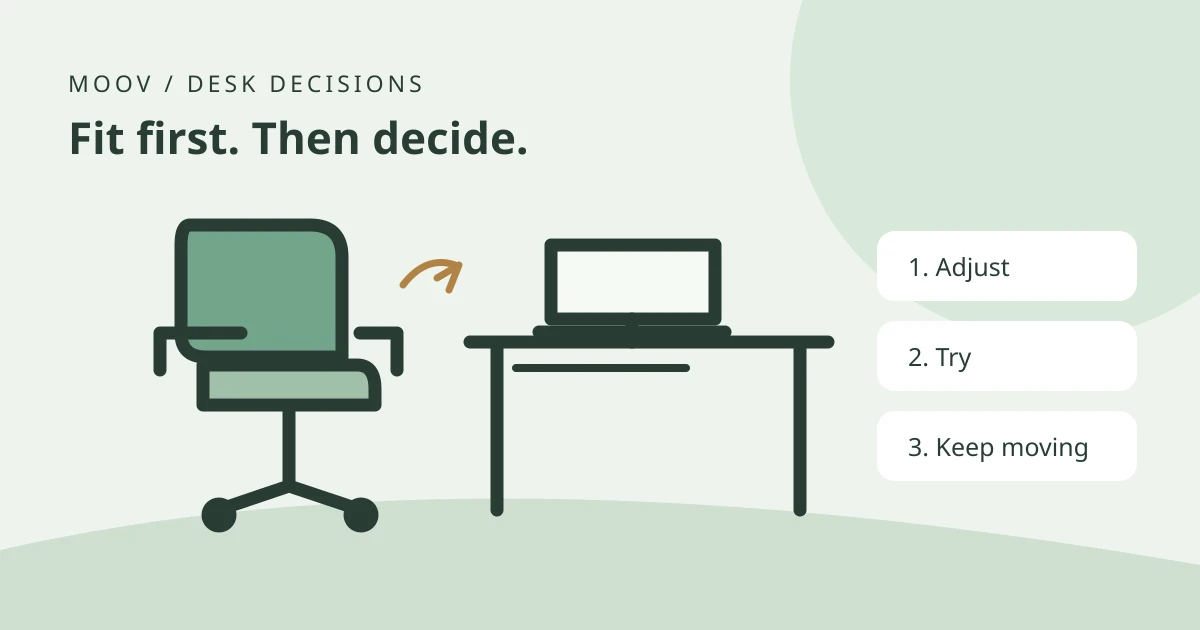
Use this as a buying decision aid, not a diagnosis. Write down the specific problem before browsing: “I cannot reach the keyboard without raising my shoulders” is more useful than “I need an ergonomic upgrade.”
| What you find | Reasonable next step |
|---|---|
| The chair has usable adjustments, but you have not matched them to your desk. | Adjust first. Find the controls and change one thing at a time. Recheck the desk and input-device position too. |
| The seat or backrest cannot fit you, useful adjustments are missing, or a mechanism is damaged. | Investigate repair or replacement. Check the maker's repair options; trial a different fit rather than choosing by label alone. Do not keep using an unstable chair. |
| Your current chair fits your work and feels comfortable; the proposed upgrade adds no feature you need. | Wait. Define what the new chair would improve before allocating a budget. |
For the adjustment pass, check that your feet are supported and your back reaches the backrest, with space behind your knees. If the desk is too high, chair height and foot support need considering together. Follow the CCOHS chair-adjustment steps; these are setup checks, not a requirement to hold one rigid posture all day.
Try the changes during ordinary tasks: a writing session, a video meeting and work with your usual mouse or trackpad. Keep a short note of what still gets in the way. That note becomes your shopping specification if adjustment is not enough.
Check your laptop setup before blaming the chair
A MacBook's screen and built-in keyboard move together. Raising the whole laptop to improve viewing height also raises the keyboard. Buying a different chair alone does not separate those two positions.
Mayo Clinic suggests considering a laptop stand with an external keyboard and mouse for desk-based laptop use. Its workstation guidance also places the keyboard and pointer within comfortable reach, with relaxed shoulders, and recommends a screen directly ahead with its top at or slightly below eye level. See Mayo Clinic's office ergonomics guide. Applying that laptop guidance to a MacBook is a setup consideration, not an Apple-specific health finding.
Before ordering a chair, ask: can I see the screen comfortably and use the keyboard without reaching or hunching? If not, compare a whole-workstation adjustment with a chair-only purchase. You may discover that the missing item is a separate input device, not a more expensive seat.
Try before you commit
Take your problem note to the trial. Keep the sales conversation focused on it.
- Controls: Can you reach and understand the adjustments you will use?
- Desk compatibility: Will the chair move close enough to your keyboard, and do its arms clear the desk?
- Everyday tasks: Can you type, use your pointer and turn toward meeting notes without fighting the chair?
- Purchase terms: Does the trial start at order or delivery? Are assembled chairs returnable? Who pays return shipping, and is there a restocking fee?
- Longer-term ownership: Which parts and labour are covered, and can you obtain replacement parts?
The questions about returns and ownership are our practical purchasing checklist, not a claim about any retailer's policy. In Canada, confirm the terms for your delivery address and the final currency, tax and shipping total. Do not assume a policy from another country's storefront applies.
A used chair may be worth considering if its fit and condition meet your needs, but a familiar logo is not enough. Ask about faults and replacement parts, and verify the seller's terms before paying. This guide does not set a universal minimum price or recommend a particular model.
What a chair cannot do
A chair purchase is not proof that you have solved a pain problem, and an ergonomic label is not a treatment guarantee. If pain persists or worsens, seek advice from a qualified healthcare professional rather than continuing a cycle of equipment purchases.
A better-fitting workstation also does not remove the need to change activity. The UK's Health and Safety Executive recommends short, frequent breaks from display-screen work, with opportunities to move or change posture; it notes that reminder software can help prompt breaks. Its workplace guidance is not a universal medical schedule or a statement of Canadian employment law. Read HSE's guidance on work routines and breaks.
Keep these as separate decisions: choose equipment that fits your work, and make room to leave it. If you are weighing a desk upgrade too, our standing desk versus sitting guide explains why standing still and moving are not interchangeable.
Common questions
Is an expensive chair always better?
A price tag is not a health guarantee. Ask which specific problem the additional expense would solve, and compare written return and repair terms.
Can I keep my current chair?
Yes, if it is stable, works properly and can be adjusted to suit your workstation. There is no need to replace it simply because another chair is marketed as ergonomic. If you cannot resolve the fit, a workplace ergonomics assessment may be more useful than guessing at another model.
Will an ergonomic chair fix lower-back pain?
This guide cannot establish the cause of pain or promise a chair will fix it. Fit is one workstation consideration, not a diagnosis. Do not use this purchase checklist as a substitute for individual clinical advice.
Do I still need breaks with a good chair?
Yes. Comfortable equipment and changes of activity serve different purposes. For practical ways to remember rather than another equipment comparison, see how to remember to take breaks at work.
Ready to compare offers? Use our Canadian checklist for new, used and refurbished chairs to compare condition, return costs and warranty terms.
A reminder for your Mac, not a replacement for chair fit
Once your setup works for you, an optional reminder can help you follow through on planned movement breaks. Moov offers configurable reminders and six guided standing movements on Apple Silicon Macs running macOS 11.0 or later. It does not assess your chair, diagnose pain or replace professional care.
Before installing, know the setup requirements: Moov 0.1.3 first-run practice requires a camera-checked repetition; the timed fallback applies to regular breaks, not that first-run step. Two free breaks come before email verification for an eligible seven-day trial; no card is required for that trial. Continued paid access is described on the pricing page. You can manually pause reminders for calls.
Download Moov for Mac if a movement-break prompt fits your workday. Choose the chair for fit; choose a reminder for the habit.