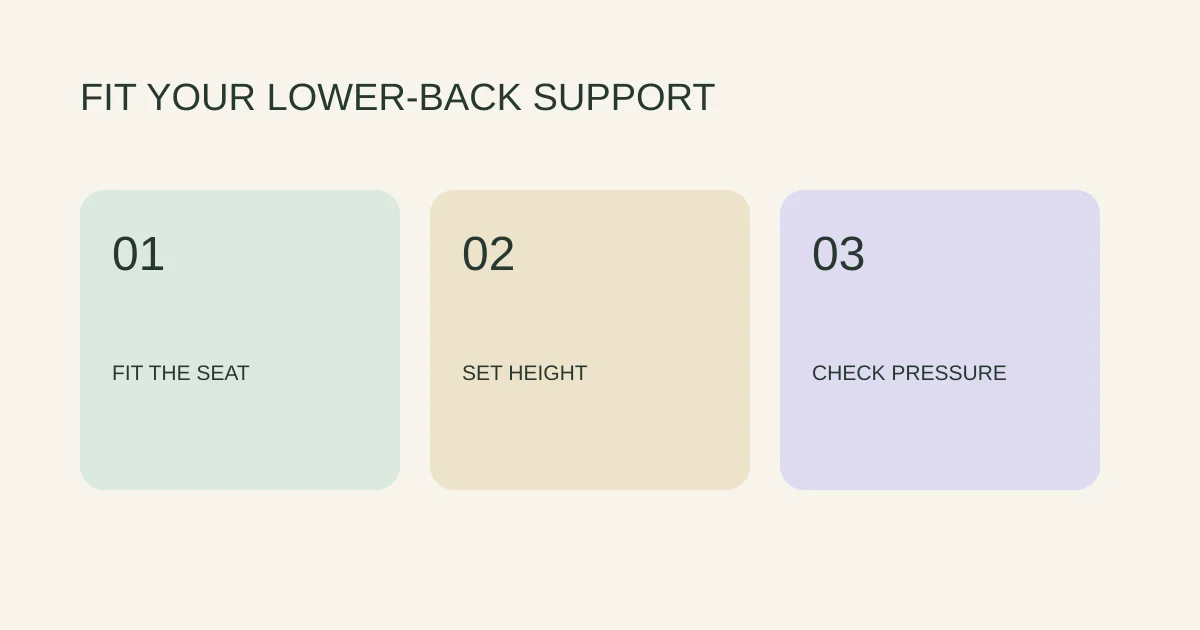
Set the seat before you move the lumbar support
Sit back where you actually work. Support your feet on the floor or a stable footrest. Leave a little space behind the knees when your back contacts the chair. If the seat forces you to perch forward, moving the lumbar pad up and down won’t fix the missing contact. Check seat depth or foot support first.
The Canadian Centre for Occupational Health and Safety’s chair guide puts adjustability and individual fit first. A chair labeled ergonomic can still be a poor fit for a particular person or desk.
Adjust location and pressure separately
- Find contact. With your feet supported and shoulders relaxed, slide the pad or the whole backrest until you feel contact at the lower-back curve. Follow the chair’s instructions if the whole backrest adjusts instead of the pad.
- Reduce pressure first if it pushes you away. On a chair with depth or tension control, start with light support. Add only enough to maintain contact without making your hips slide forward. Some chairs have no separate control.
- Try your actual typing position. Use an ordinary short work block. If you only feel supported when reaching back or arching your spine, move the keyboard closer, check desk and armrest clearance, and retest.
Occupational Health Clinics for Ontario Workers describes adjusting the chair back to fit the low-back region. Don’t copy another person’s chair notch or use a measurement from the floor as a universal target.
Use what feels wrong to pick the next adjustment
- Pressure is up near the ribs.
- Try one step lower and sit back without lifting your shoulders.
- It presses on your pelvis.
- Try a small upward change; recheck seat depth if you keep sliding forward.
- The height seems right but it feels intrusive.
- Reduce the depth or tension first if you can. Reset if it makes the chair harder to sit in.
- You lose contact as soon as you type.
- Check keyboard reach and desk clearance before adding more padding.
If the chair has a fixed support
A thin rolled towel can help you test where gentle contact would feel useful. It is a fit experiment, not a medical treatment. Don’t stack thick cushions that move you to the front of the seat. Remove the towel if it is uncomfortable or makes your knees, reach, or balance worse. For a replacement chair, the useful question is whether the support aligns while everything else fits, not whether the product has a lumbar label.
A comfortable result does not require holding one posture all day. Change your position when you need to. If you have a standing desk, use the desk-height guide to set it in both positions. Get individualized advice if symptoms persist or a normal adjustment makes them worse.
Make room for a movement break
Moov offers configurable break intervals, manual pause/resume and six guided standing movements on Apple Silicon Macs running macOS 11.0 or later. First-run practice requires a camera-checked repetition. It is a movement reminder, not an ergonomic assessment or a treatment for symptoms.
Two free guest breaks, then sign in and verify your email for a seven-day trial. No card required. A paid plan is needed afterward. Read the setup and camera details before trying it.